Timetable Viewer
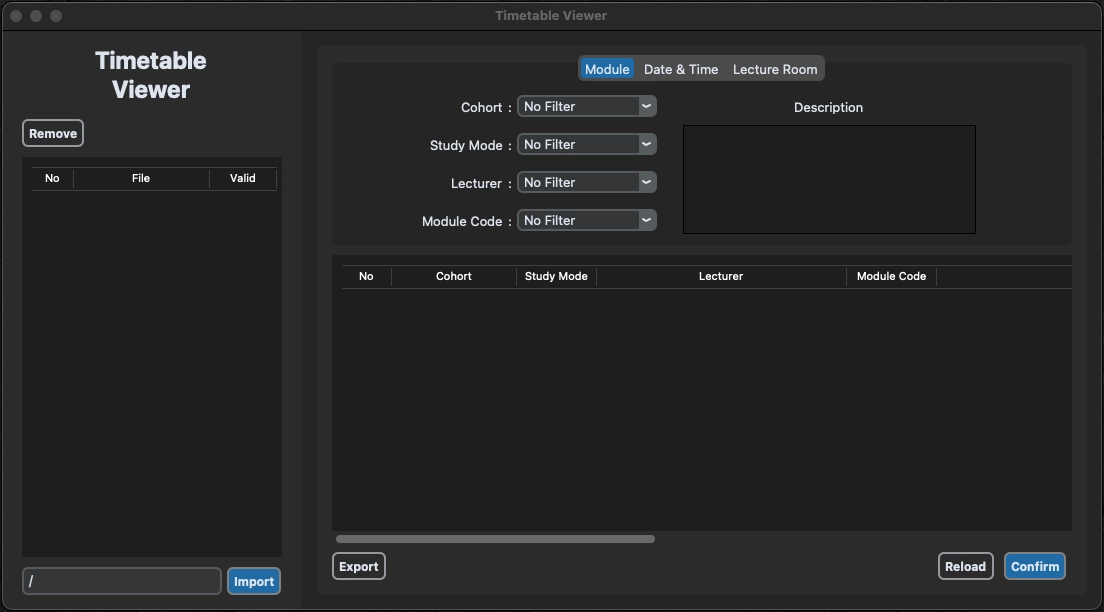
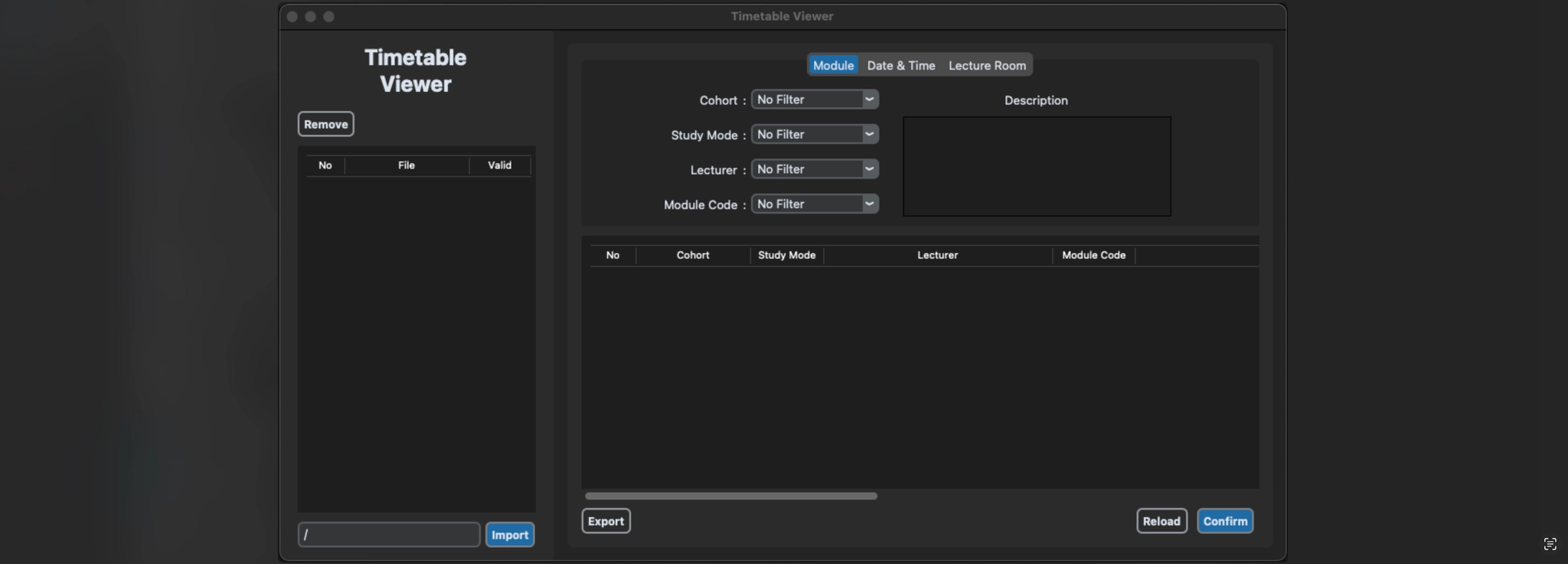
Timetable Viewer is a Python application designed to help manage schedules efficiently. It provides a user-friendly interface for importing, sorting, filtering, and exporting schedule data stored in CSV files.
Features
•
Import schedules from CSV files
•
Sort schedules based on various criteria (e.g., date, time, location)
•
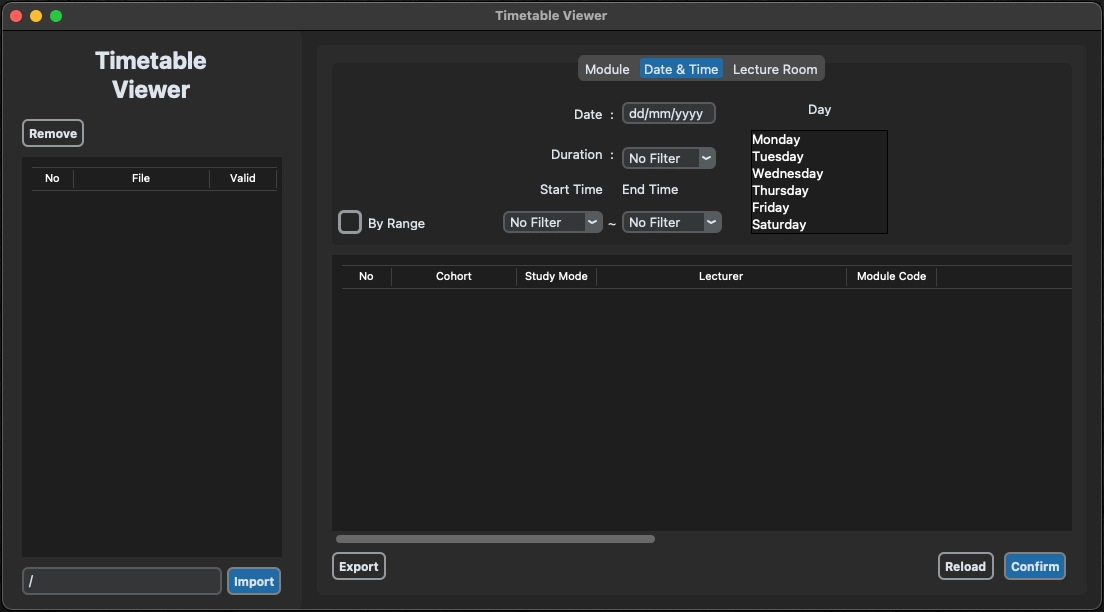
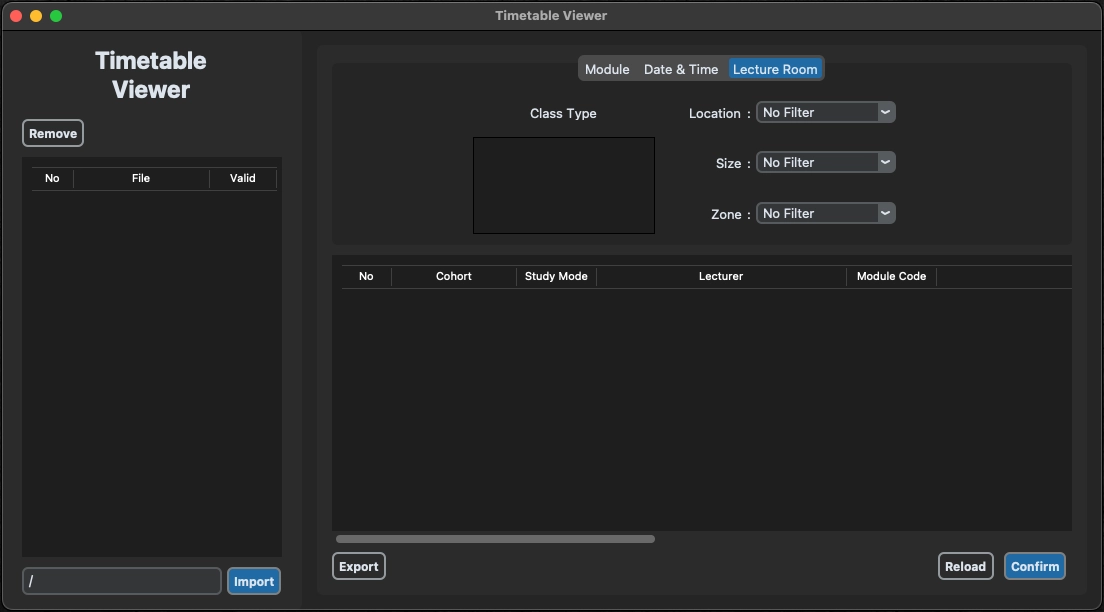
Filter schedules by cohort, study mode, lecturer, module code, date range, duration, and more
•
Export sorted and filtered schedules to PDF or Excel files
•
Error handling for invalid input and file formats
Prerequisites
•
Python (>=3.6)
•
Tkinter
•
CustomTkinter
•
Pandas
•
openpyxl
•
tkcalendar
Installation
1.
Clone the repository to your local machine:
git clone <https://github.com/kcrmin/Timetable_Viewer.git>
Shell
복사
2.
Install the required dependencies
Usage
1.
Run the program:
python timetable_viewer.py
Shell
복사
2.
Import schedules:
•
Click on the "Import" button and select the directory containing CSV files.
•
The program will load the schedules from the selected directory.
3.
Sort and filter schedules:
•
Click on the respective column headers to sort schedules based on date, time, location, etc.
•
Use the filter options to refine the displayed schedules based on cohort, study mode, lecturer, module code, date range, duration, etc.
4.
Export schedules:
•
Click on the "Export" button to save the sorted and filtered schedules to a PDF or Excel file.
•
Choose the desired file format and provide the file name and destination path.
5.
Error handling:
•
The program provides error pop-ups for invalid input and notifies the user if no valid CSV files are found during import.