





Requirements

To follow this setup, it is required to have following …
•
No Requirements
Clone [git clone]
Clones a repository into a newly created directory, creates remote-tracking branches for each branch in the cloned repository (visible using git branch --remotes), and creates and checks out an initial branch that is forked from the cloned repository’s currently active branch.
Synopsis [git clone --<synopsis>]
git clone [--template=<template-directory>]
[-l] [-s] [--no-hardlinks] [-q] [-n] [--bare] [--mirror]
[-o <name>] [-b <name>] [-u <upload-pack>] [--reference <repository>]
[--dissociate] [--separate-git-dir <git-dir>]
[--depth <depth>] [--[no-]single-branch] [--no-tags]
[--recurse-submodules[=<pathspec>]] [--[no-]shallow-submodules]
[--[no-]remote-submodules] [--jobs <n>] [--sparse] [--[no-]reject-shallow]
[--filter=<filter> [--also-filter-submodules]] [--] <repository>
[<directory>]
YAML
복사
SourceTree
1.
Press ⌘ + N to open new repository
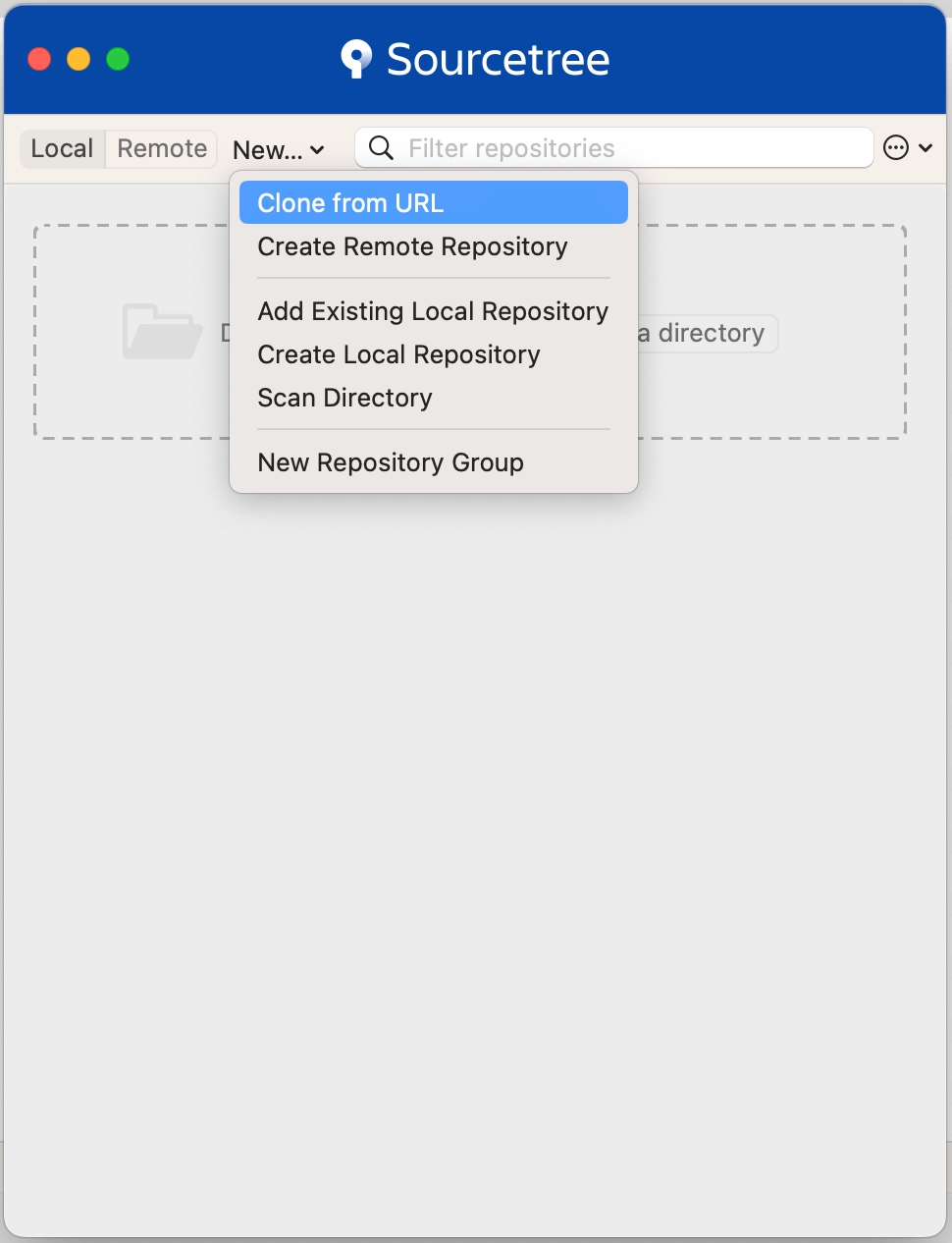
2.
Click Clone from URL
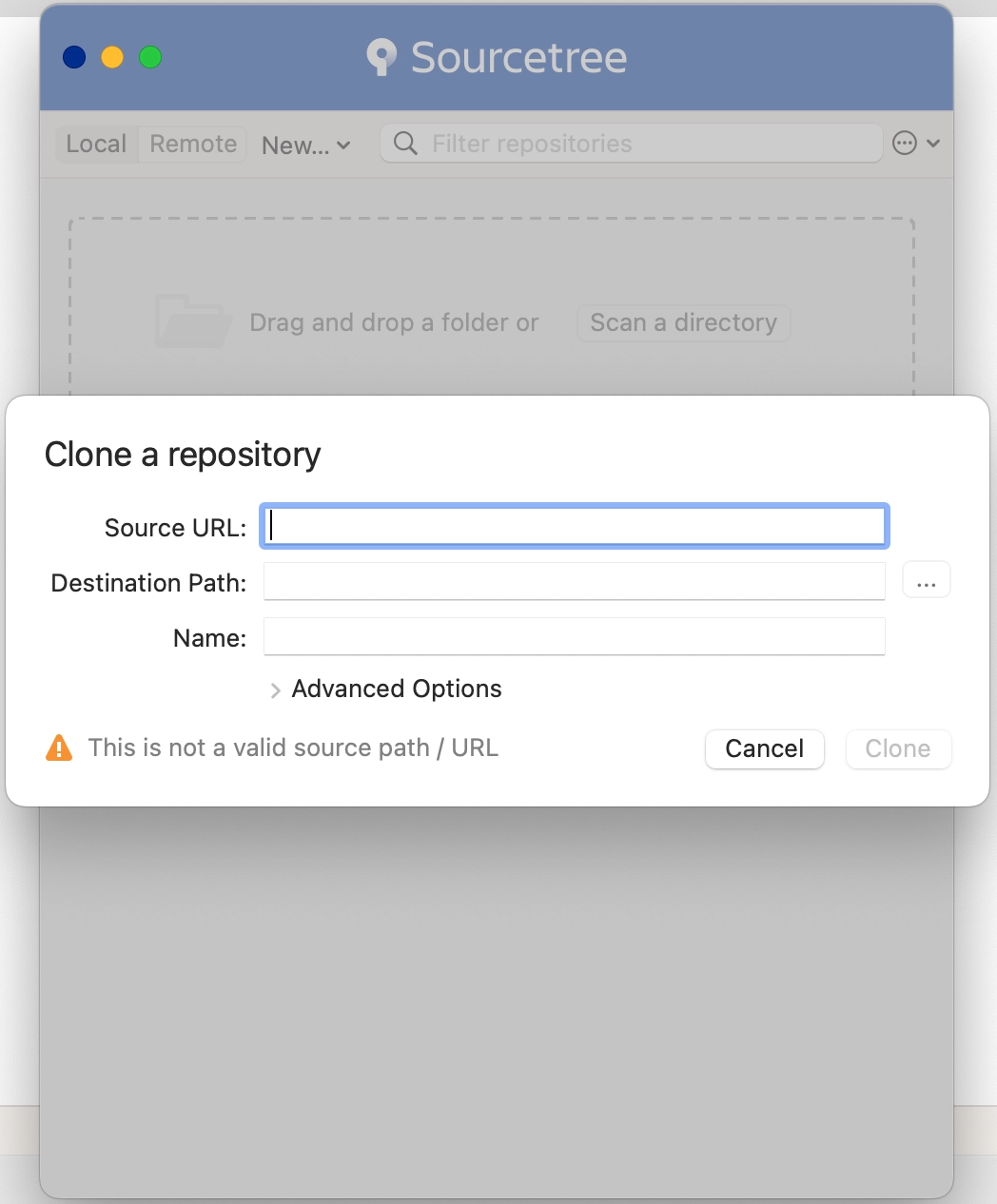
Commonly Used Commands
1.
Copy HTTPS address from GitHub
2.
git clone <HTTPS address>
