





Requirements

To follow this setup, it is required to have following …

Merge [git merge]
Incorporates changes from the named commits (since the time their histories diverged from the current branch) into the current branch. This command is used by git pull to incorporate changes from another repository and can be used by hand to merge changes from one branch into another.
Synopsis [git merge --<synopsis>]
git merge [-n] [--stat] [--no-commit] [--squash] [--[no-]edit]
[--no-verify] [-s <strategy>] [-X <strategy-option>] [-S[<keyid>]]
[--[no-]allow-unrelated-histories]
[--[no-]rerere-autoupdate] [-m <msg>] [-F <file>]
[--into-name <branch>] [<commit>…]
git merge (--continue | --abort | --quit)
YAML
복사
SourceTree
1.
Move to the main branch by double clickiing the branch
2.
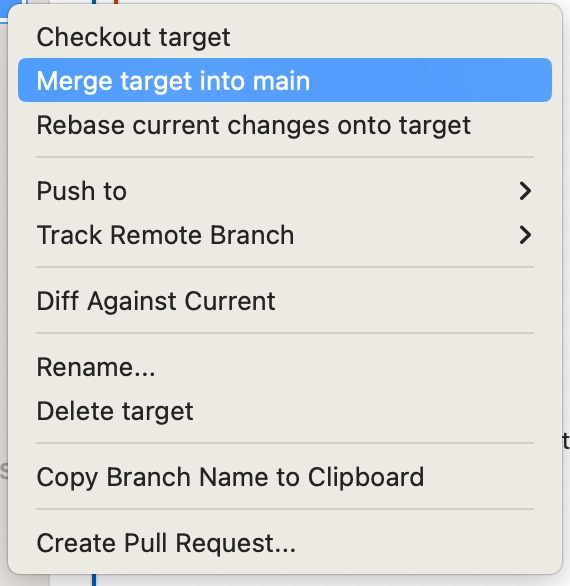
Right click on the target branch
3.
Click Merge <target branch> into <main branch>
Commonly Used Commands
1.
Move to the main branch
2.
git merge <target branch name>
•
Resolve git merge conflict
1.
Resolve error
2.
git add .
3.
git commit
a.
Type :wq
•
Rebort git merge
◦
git merge --rebort
