


Requirements

To follow this course, it is required to know following …
•
Setup


Flutter Widget Tree
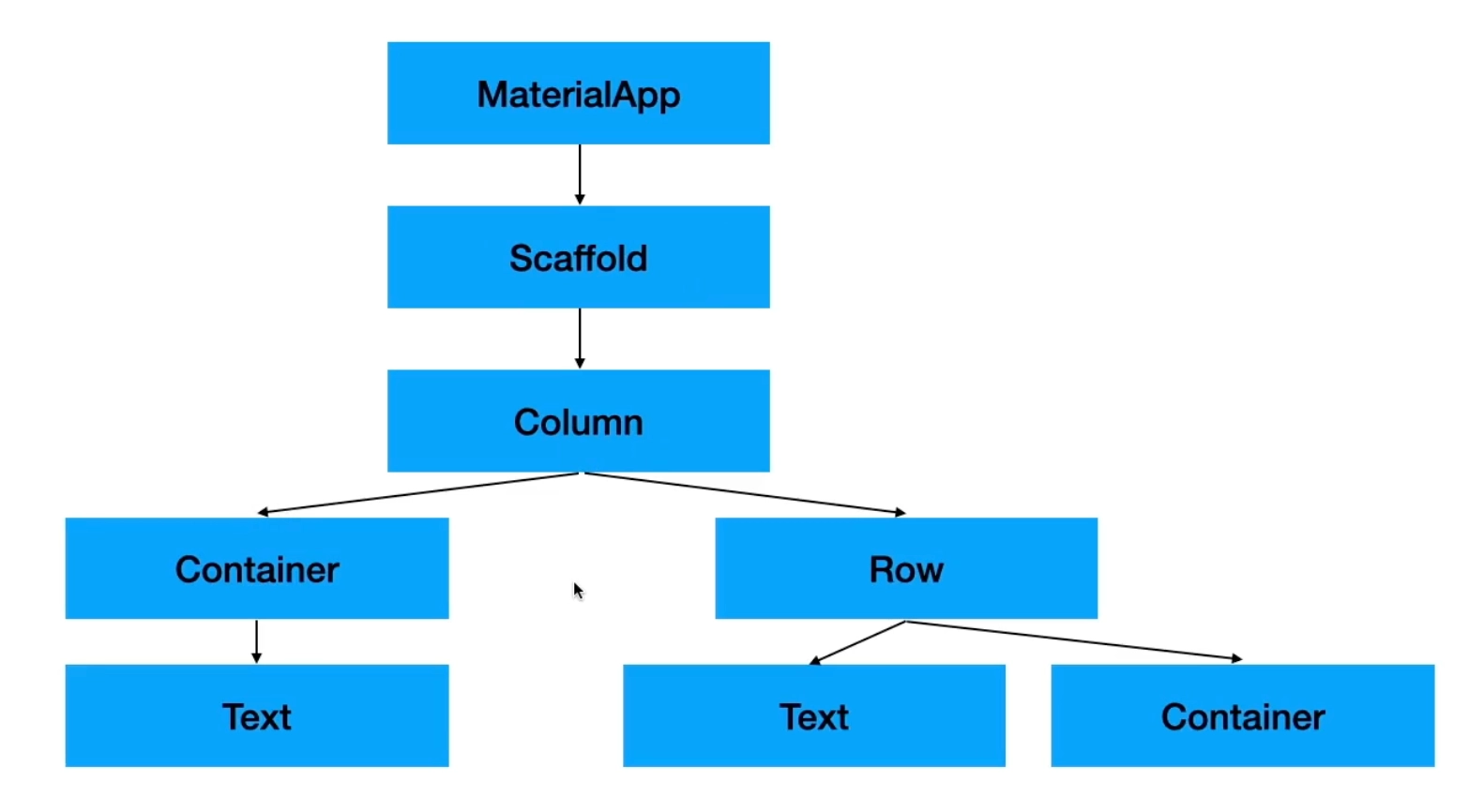

ThemeData


Statless vs Stateful


Text

Styling





Widgets














Actions





pub.dev Library








Tips
•
It is recommended to give INTERNET permission when giving permission on Android.
•
User must use Future class, async, and await when handling permissions.
•
Need to use async to recieve data from the dialog
•
Can access context anywhere in stateful widget
•
Treat dialog as a page i.e. use Navigator.of(context).pop(variable); to recieve the data
•
async gives Future while async* gives Stream link
◦
FutureBuilder and StreamBuilder both stops when error occurs and changes the snapshot.data to null while changing the connection state to done
•
In a case whene we have to run flutter related code before the runapp, we have to add WidgetsFlutterBinding.ensureInitialized(); right under the void main() .
•
When user wants to stretch height inside the container but causing error, try to wrap the widget with IntrinsicHeight with row/column using stretch
•
When you need keyboard on iOS simulator, press CMD + Shift + K
•
When recieving data from pop be aware that the result can be null (e.g. forced return)
QnA
What is Flutter?
Flutter vs React Native
Why